Currently Empty: $0.00

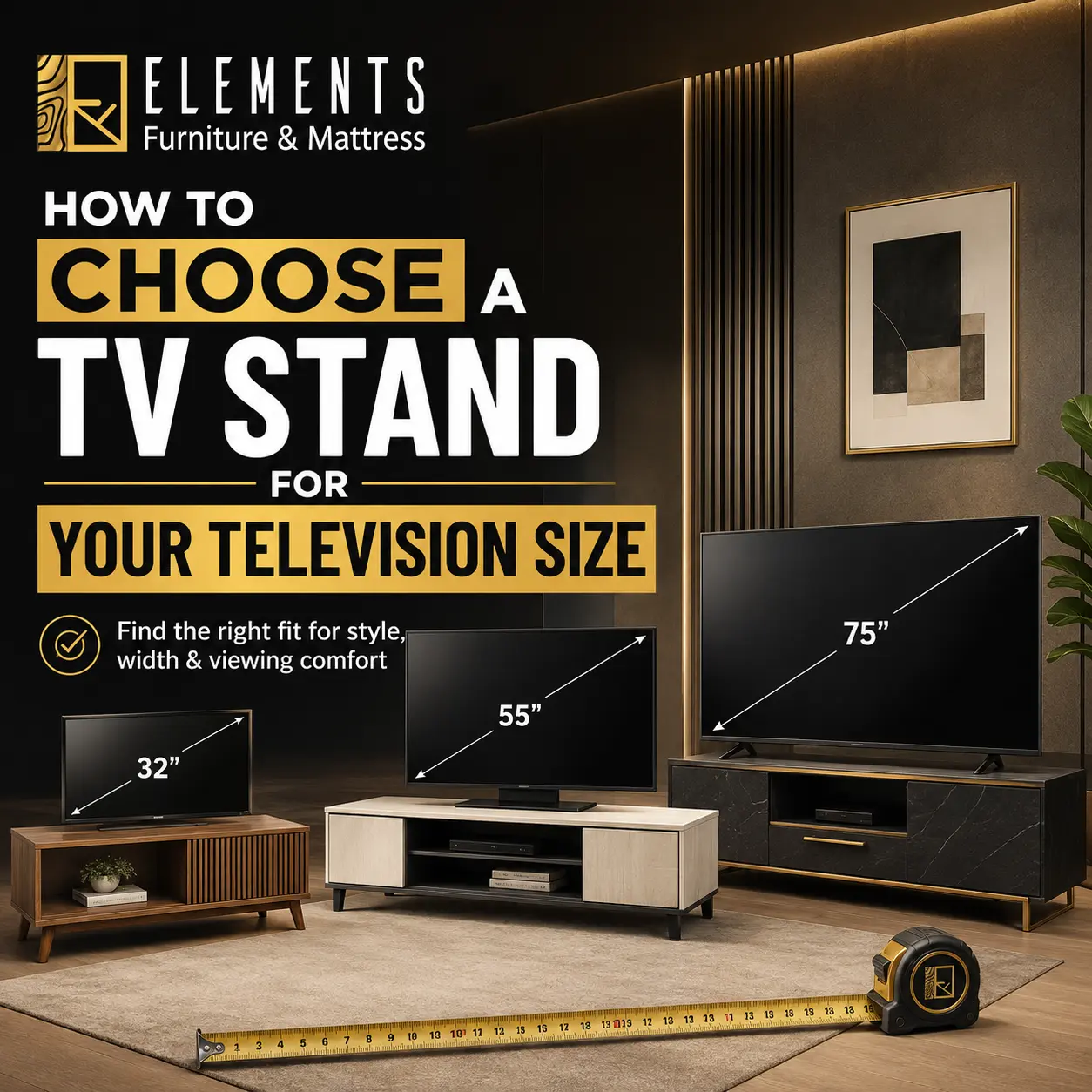
How to Choose a TV Stand for Your Television Size
A TV that technically fits on a stand can still look awkward, feel too high from the sofa, or leave no room for the soundbar and remotes. Knowing how to choose a TV stand for your television size helps you avoid those frustrating details before the furniture arrives. The right piece gives your screen a stable base, makes movie nights more comfortable, and adds storage and style to the room.
Start With Your TV’s Actual Width
TVs are sold by diagonal screen size, but a television stand is chosen by width. That distinction matters. A 65-inch TV does not measure 65 inches from side to side. Most modern TVs use a 16:9 screen ratio, so the actual screen width is usually much smaller.
As a quick reference, a 55-inch TV is about 48 inches wide, a 65-inch TV is about 57 inches wide, and a 75-inch TV is roughly 65 inches wide. The frame around the screen can add a little more, and the feet may sit wider than the screen itself. Check the manufacturer’s specifications or measure the full width of your TV, including the outer edges and stand feet.
For a balanced look, choose a TV stand that is at least as wide as the television, but wider is usually better. Aim for a console that extends at least 2 to 6 inches beyond the TV on each side. That extra width makes the setup look intentional instead of top-heavy, while also giving you room for speakers, décor, or a table lamp.
A stand that is narrower than the TV can work only when the TV is wall-mounted above it. Even then, a wider console often creates better visual balance and gives the wall a more finished look.
How to Choose a TV Stand for Your Television Size and Height
Width gets most of the attention, but height is what determines viewing comfort. When you are seated, the center of the TV screen should generally sit close to eye level. If the screen is too high, you may find yourself looking up through an entire movie or game. Too low, and the room can feel cluttered or the screen may be blocked by a coffee table.
Measure from the floor to your eye level while sitting on your sofa or favorite chair. Then measure the height of your TV and locate its center point. Use those numbers to estimate the best stand height for your room.
For many living rooms, TV stands between 24 and 30 inches tall work well. Lower media consoles can be a great choice for deep, relaxed sectionals, while a taller stand may suit a higher sofa, bedroom seating, or a space where the TV needs to clear the foot of the bed. There is no one perfect height for every home – your seating arrangement should lead the decision.
Also consider the television’s base. Some TVs sit directly on a center pedestal, while others have feet near the far ends of the screen. If the feet are wide apart, the top surface of your stand must be wide enough to support them safely. Never assume a console that looks wide enough from the front will fit the TV feet without checking.
Check Depth, Weight Capacity, and Stability
A TV stand needs enough depth for the TV base, not just enough width. Measure the depth of your television feet or pedestal and compare it with the usable depth of the stand’s top surface. Leave a little space behind the TV for cords and ventilation, especially if the console sits close to a wall.
Weight capacity is equally important. Modern flat-screen TVs are lighter than older models, but larger screens can still be heavy. Look at the TV’s weight without its packaging, then choose a stand rated well above that number. The stand also needs to support any soundbar, gaming console, cable box, or decorative items you plan to place on top.
A sturdy low-profile stand is often a smart option for homes with kids or active pets because it has a lower center of gravity. For added peace of mind, use the TV’s included anti-tip strap or a compatible wall anchor. This simple step helps keep the screen secure if it is bumped or pulled.
Plan for Your Media Gear and Everyday Storage
The best TV stand does more than hold the screen. It can organize the items that tend to collect around the television: remotes, charging cables, game controllers, streaming devices, board games, and extra blankets.
Open shelving is useful for equipment that needs easy remote access or airflow, such as a gaming console or receiver. Cabinets and drawers create a cleaner look by hiding everyday clutter. If you use several devices, look for a media console with rear cord cutouts so wires can run behind the unit instead of across the floor.
Think about ventilation before placing electronics in closed storage. Components that generate heat need breathing room, and tightly packed cabinets can make them run hotter than they should. A console with open-backed shelves, ventilated doors, or adjustable shelving gives you more flexibility as your setup changes.
If you are furnishing a small apartment, a TV stand with drawers or cabinets can do double duty as valuable living room storage. In a larger family room, a long entertainment center may offer room for baskets, décor, and media equipment without making the wall feel empty.
Match the Stand to the Room, Not Just the Screen
A properly sized TV stand can still feel out of place if it does not suit the wall and the rest of the furniture. Before you buy, measure the width of the wall or the area between windows, doorways, and nearby furniture. A long stand can anchor a large blank wall beautifully, but it may crowd a narrow passage or make a compact room feel smaller.
Leave enough clearance for doors and drawers to open fully. If the stand sits near a walkway, avoid overly deep designs that force people to squeeze around the corner. In smaller spaces, a streamlined console with raised legs can make the room feel more open because more of the floor remains visible.
Style matters, too. A warm wood finish brings an easy, inviting feel to traditional and transitional rooms. Clean-lined black, white, or gray stands work well with modern spaces. For a relaxed mixed-material look, consider wood paired with metal accents. The goal is not to match every piece perfectly. Choose a finish that connects with the colors already in your sofa, rug, flooring, or accent furniture.
Decide Whether the TV Will Sit on the Stand or Hang Above It
A tabletop setup is simple and practical. The TV sits on its own base, the stand carries the weight, and the screen can be placed at a comfortable height without extra wall hardware. This is often the easiest choice for renters or anyone who likes the flexibility to rearrange furniture later.
Wall-mounting frees up the console top and can create a clean, elevated look. It is especially useful when you want a larger TV in a tight room. However, mounting does not eliminate the need for a correctly sized console beneath it. The stand should still feel proportional to the screen and provide useful storage below.
When mounting a TV, leave enough vertical space between the console and the bottom of the screen for a soundbar, décor, and comfortable sightlines. Avoid placing the television so high that the stand becomes visually disconnected from it. The two pieces should read as one setup, not as separate items competing for space.
Use These Measurements Before You Shop
A few minutes with a tape measure can save you from ordering a stand that looks right online but does not work at home. Write down your TV’s full width, the width and depth of its feet, the height of your seated eye level, the available wall width, and the clearance needed for nearby doors or pathways.
Then consider how you actually use the room. A household that games, streams, and stores family essentials may need a wide console with cabinets and cable management. A minimalist bedroom may only need a slim stand with one open shelf. The most stylish choice is the one that supports your routine without adding visual clutter.
At Elements Home Furnishings, you can bring comfort, storage, and style together with a TV stand that fits your space as well as your screen. Pick the dimensions first, then choose the finish and features that make your living room feel like home.